Clarify the Checkout Tasks for CDG Fall/Winter Accessory Savings Before purchasing, what really needs to be confirmed isn't whether the word "discount" appears on the page, but whether the discount applies to the CDG fall/winter accessory you've chosen and still leads to a verifiable cost reduction after factoring in service fees, packaging fees, shipping, and exchange rate impact. This article is for buyers who have already found a specific item, are ready to proceed to checkout, but haven't
Clarify the Checkout Tasks for CDG Fall/Winter Accessory Savings
Before purchasing, what really needs to be confirmed isn't whether the word "discount" appears on the page, but whether the discount applies to the CDG fall/winter accessory you've chosen and still leads to a verifiable cost reduction after factoring in service fees, packaging fees, shipping, and exchange rate impact.
This article is for buyers who have already found a specific item, are ready to proceed to checkout, but haven't yet confirmed the discount's applicability. After reading, you should be able to do three things: record the pre-discount amount, verify the discount's terms, and decide whether to use the discount, ask further questions, or hold off on payment.
There is no real-time product pricing, inventory, promo codes, service fees, packaging fees, or shipping data available for verification, so this article does not provide fictional discount amounts or guarantee the lowest price. All highly volatile fields should be re-confirmed on the actual checkout day. 🧾
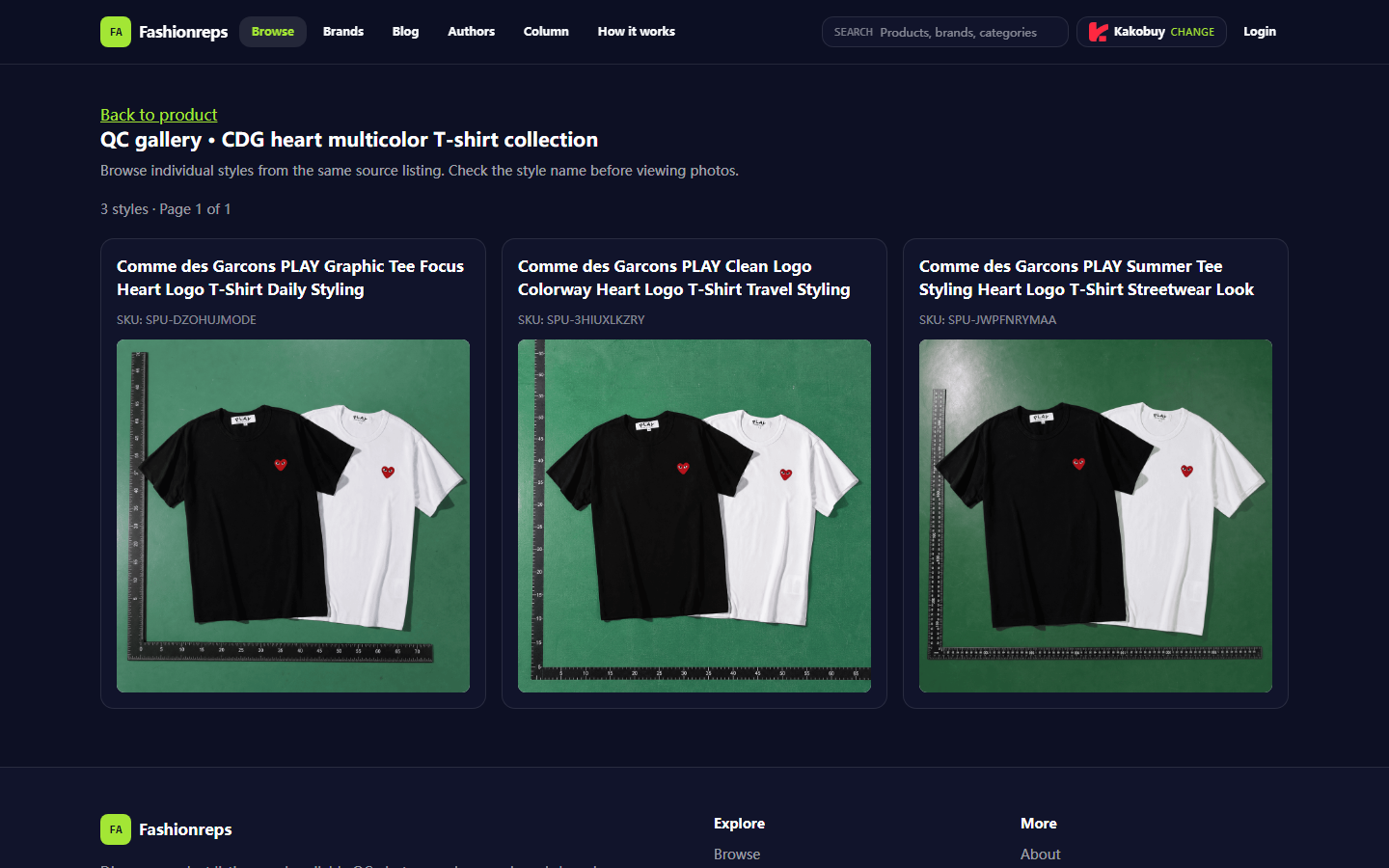
CDG Accessory Savings Check featured image for fashionreps
Image: Example of Fashionreps product and QC info page. This image shows a CDG clothing QC page, not evidence of fall/winter accessory discounts or prices.
Navigate from FashionReps' Current Catalog to the Specific Accessory Product Page
First, filter for the target item from FashionReps' currently accessible catalog, then enter the corresponding product detail page. Don't judge whether an item is still valid based solely on search result titles, tabs, or images. A valid product page should at least show a clear product name and enough visible information to support checkout verification.
It's recommended to save the following evidence:
- Product name and specific style
- Product category, such as hats, scarves, gloves, wallets, or other accessories
- Color, size, or specifications
- Product price and currency displayed on the page
- Date and time of page access
- Whether the product page opens properly
- Whether the page has redirects, empty content, invalid prompts, or only displays tags
FashionReps' page states that its content includes product discovery, QC images, and shopping guides, while orders, payments, and shipping are handled by external shopping agents chosen by the user. Therefore, information on the product page cannot automatically be equated with the final price or discount accepted on the agent's checkout page. 🔍
Verify Product Type, Color, Quantity, Page Price, and Link Status
Discount terms are often related to product category, specific styles, colors, quantities, or campaign scope. First, break the target item into verifiable fields; don't use the generic term "CDG accessories" in place of the specific item.
| Field to Verify | What to Record | Action If Unconfirmed |
|---|---|---|
| Product Identity | Product name, style, category, color, or specifications | Suspend using the discount; don't treat similar items as the same product |
| Quantity | Single piece, multiple identical items, or a combination of different accessories | Re-check minimum quantity and per-person purchase limits |
| Product Price | Page amount, currency, whether it's the unit price | Don't estimate based on images or search snippets |
| Link Status | Page accessible, information complete, no invalid prompts | Record as unconfirmed; don't proceed to payment decision |
| Verification Time | Date and time of access | Re-check highly volatile fields before checkout |
If the page only shows the series name without confirming the specific style or price, you should first supplement the product page evidence. Don't assume that different colors, specifications, or links within the same series can share the discount just because the images look similar.
Look for Visible Discount Entry Points, Claim Conditions, and Validity Period on the Target Site
Discount entry points may appear on the product page, shopping cart, checkout page, account promotional area, or external shopping agent page. Record the location of the discount separately, because promotional prompts shown on the product page may not automatically take effect at checkout.
Focus on verifying the following:
- Whether the discount needs to be claimed, entered as a code, or requires account login
- Whether the discount applies to the product amount, service fees, international shipping, or other fees
- Whether there is a start time, end time, or specific time zone
- Whether it is restricted to new users, specific accounts, designated payment methods, or designated routes
- Whether a minimum amount or minimum quantity is required
- Whether there is a limit on the number of uses per account, per order, or per destination country
- Whether the page clearly states excluded brands, categories, or product links
If the page only shows words like "sale," "discount," or similar promotional language without amounts, conditions, deadlines, or applicable scope, it should not be recorded as a confirmed saving. In that case, only record it as "discount prompt present, actual reduction unconfirmed." 📅
Cross-Check Minimum Thresholds, Category Restrictions, Brand Exclusions, and Stacking Rules
Whether a CDG fall/winter accessory qualifies for a discount cannot be judged solely by the brand name. You need to verify the product category, product amount, and campaign rules item by item. Some discounts may exclude specific brands, collaborative models, clearance items, already-reduced items, or specific agent routes; if the page doesn't clearly explain, ask the checkout party instead of inferring on your own.
Also confirm whether discounts can be stacked. Common situations that need to be considered separately include:
- Whether the product page price and cart discount are valid simultaneously
- Whether new user discounts can be combined with site-wide promotions
- Whether product discounts affect the calculation base for threshold-based discounts
- Whether the discount only reduces the product amount and cannot offset service fees, packaging fees, or shipping
- For multiple items, whether the total amount is calculated or each item is judged separately
- Whether the minimum amount threshold is still met after using the discount
Only when the applicable products, thresholds, deadlines, and stacking rules are clearly supported by the page or customer service can the discount be listed as "available for checkout." Otherwise, keep it as "pending confirmation." ✅
Separately Record Pre-Discount Amount, Deduction Fields, Service Fees, and Packaging Fees
When judging actual savings, don't just compare product page prices. At a minimum, record the product amount, discount reduction, service fees, packaging fees, and shipping separately. Taxes and exchange rates may also change the final payment amount and should be re-confirmed according to the destination country and actual payment channel.
You can use the following recording method:
| Cost Item | Fields to Confirm Before Checkout | Can It Be Directly Counted as Savings? |
|---|---|---|
| Product Amount | Unit price, quantity, currency | Yes, provided product identity is confirmed |
| Discount Reduction | Reduction amount, target of reduction, usage conditions | Only when clearly shown on checkout page or valid rules |
| Service Fees | Purchasing, agent, or handling service fees | Record separately; cannot be assumed covered by discount |
| Packaging Fees | Standard packaging, reinforced packaging, or other handling fees | Ask whether fees change due to packaging method |
| Shipping | Route, chargeable weight, volumetric weight, and additional fees | Cannot be replaced by product discount amount |
| Exchange Rate & Payment Costs | Applied exchange rate, payment fees, or conversion loss | May differ from page estimate after checkout |
| Taxes & Customs Costs | Applicable rules and actual liability in destination country | Do not promise tax exemption or fixed amounts |
"Actual savings" should be understood as the comparable total cost difference before and after using the discount for the same product, same quantity, same service method, and same route. If the discount only reduces the product amount but triggers higher service fees, packaging fees, or shipping, the reduction shown on the page cannot be directly called final savings.
Build a Customer Service Inquiry List and Stop Conditions for Unconfirmable Situations
If the rules are incomplete, send short, specific questions to the relevant checkout party. Do not submit unnecessary order, passport, payment card, or complete shipping label information when asking.
You can ask in the following order:
- Does this specific item, specific color, and quantity fall within the discount's applicable range?
- Does the discount exclude CDG, collaboration models, clearance items, or already-reduced items?
- Is the minimum amount calculated based on the product amount, or on the amount including service fees and packaging fees?
- Does the discount reduce the product amount, service fees, packaging fees, or shipping?
- Can it be stacked with current product discounts or other promotions?
- In which time zone is the discount's end time calculated?
- After using the discount, will service fees, packaging fees, shipping, and taxes be recalculated?
- Is the reduction shown on the checkout page final, or does it still require manual review?
Stop the payment decision in the following situations: the product page is inaccessible and the specific product identity cannot be confirmed; the discount has no clear applicable conditions; the discount period has expired or cannot be confirmed; the checkout page does not show the expected reduction; the customer service response conflicts with page rules; or the discount requires you to provide sensitive information beyond what is necessary. ⛔
Decide Whether to Use the Discount, Continue Verification, or Hold Off on Checkout Based on Final Evidence
Results can be divided into three states:
- Confirmed available: Product, quantity, threshold, deadline, deduction field, and checkout result all correspond, and cost changes have been re-verified.
- Continue verification: Discount entry exists, but product restrictions, stacking rules, service fee or shipping impact are still unclear.
- Hold off on checkout: Product link invalid, price or discount amount unconfirmable, or checkout page does not show the promised reduction.
Only the first state is suitable for proceeding to payment. In the second state, you can save product and discount evidence and wait for customer service or the checkout page to provide a clear result. In the third state, do not test the discount by repeatedly submitting orders, as this may cause duplicate orders, duplicate charges, or duplicate applications.
The final record should at least include the verification date, destination country, currency, specific style corresponding to the product link, discount conditions, all fees before and after discount, customer service responses, and stop reasons. This way, even if the campaign page changes later, you can distinguish between facts confirmed at that time and subsequent price changes.
Article Image

Reader extracts
0 approved
No approved comments yet.